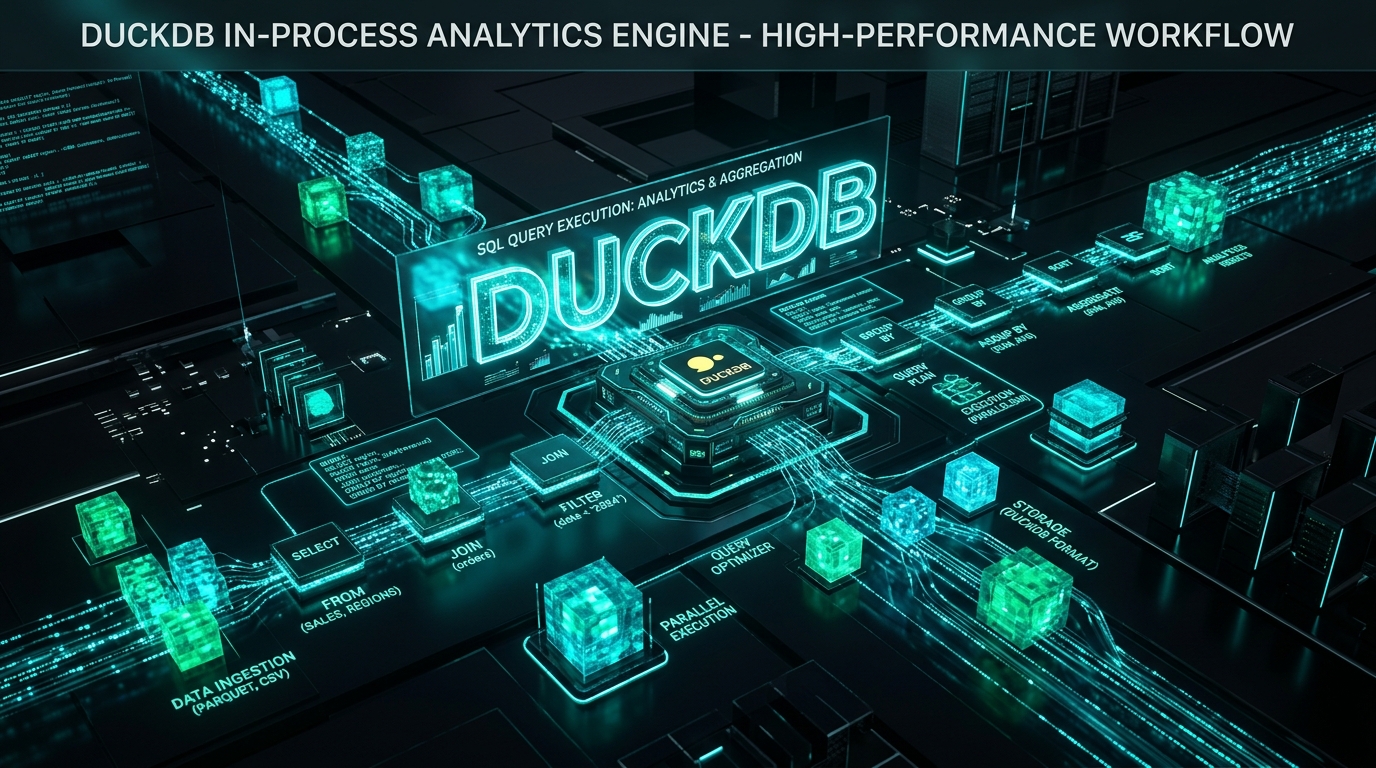
The Challenge of In-Process Data Analytics
As data professionals, we often find ourselves needing to perform complex analytical queries on datasets that reside locally, within our applications, or are too large to comfortably fit into traditional in-memory structures like Pandas DataFrames without performance bottlenecks. The options typically involve either:
- Loading everything into memory with Pandas: Great for smaller datasets, but quickly becomes a memory hog and slow for operations like complex joins or aggregations on multi-gigabyte files.
- Spinning up an external database: Robust, but introduces operational overhead, network latency, and complexity for what might be a simple, single-user analytical task within a script or application.
- Manual file parsing and processing: Error-prone, incredibly slow, and reinventing the wheel for basic SQL-like operations.
This gap often leaves developers wrestling with trade-offs between performance, resource utilization, and operational simplicity. Imagine you're building a data exploration tool, an embedded reporting module, or a local pre-processing step for an ML pipeline – you need the power of SQL without the overhead of a server.
Enter DuckDB.
DuckDB: Your Embedded Analytical Powerhouse
DuckDB is an open-source, in-process Online Analytical Processing (OLAP) database management system. What does that mean for Python developers? It means you get a full-fledged SQL database engine that runs within your Python process, offering incredible performance for analytical queries on large datasets, all without the need for a separate server or complex setup.
Unlike traditional embedded databases like SQLite, which are optimized for Online Transaction Processing (OLTP) with row-wise storage, DuckDB is built from the ground up for OLAP. It uses a columnar storage format and vectorized query execution, making it exceptionally fast for aggregations, joins, and filtering operations that are characteristic of analytical workloads. It seamlessly integrates with the Python data ecosystem, allowing direct querying of Pandas DataFrames, Polars DataFrames, Apache Arrow tables, and even files like CSV and Parquet directly from disk.
Key Advantages:
- Embedded & Serverless: Zero operational overhead. Just
import duckdb. - Columnar Storage: Optimized for analytical queries, leading to fewer I/O operations and better cache utilization.
- Vectorized Query Execution: Processes data in batches, significantly boosting performance.
- Full SQL Support: Leverage your existing SQL knowledge for complex analytics.
- Seamless Python Integration: Direct querying of DataFrames and files, eliminating data serialization/deserialization overhead.
- ACID Compliant: Ensures data integrity, even in an embedded context.
Getting Started with DuckDB in Python
Installation is straightforward:
pip install duckdb pandas pyarrow
Let's connect and perform a basic query:
import duckdb
import pandas as pd

# Connect to an in-memory database
con = duckdb.connect(database=':memory:', read_only=False)

# Create a sample DataFrame
data = {
    'product_id': [1, 2, 3, 1, 2],
    'category': ['Electronics', 'Books', 'Electronics', 'Electronics', 'Books'],
    'sales': [100, 50, 120, 80, 60],
    'region': ['North', 'South', 'North', 'East', 'South']
}
df = pd.DataFrame(data)

# Register the DataFrame as a SQL table
con.execute("CREATE OR REPLACE VIEW my_sales_data AS SELECT * FROM df")

# Perform a SQL query
result_df = con.sql("SELECT category, SUM(sales) AS total_sales FROM my_sales_data GROUP BY category ORDER BY total_sales DESC").fetchdf()

print("Sales by Category:")
print(result_df)

# Query a Parquet file directly from disk
# (Assuming you have a 'large_sales.parquet' file)
# con.sql("SELECT region, AVG(sales) FROM 'large_sales.parquet' GROUP BY region").fetchdf()

# Close the connection (optional for in-memory, good practice for file-backed DBs)
con.close()
This simple example demonstrates registering a Pandas DataFrame and querying it directly. DuckDB handles the data efficiently, converting it on-the-fly or leveraging its internal structures.
Advanced Analytical Patterns and External Data Sources
DuckDB truly shines when dealing with larger, external datasets. You don't need to load entire Parquet or CSV files into memory; DuckDB can query them directly.
import duckdb
import pandas as pd
import pyarrow.parquet as pq

# Assuming 'orders.parquet' and 'customers.parquet' exist
# For demonstration, let's create some dummy files
orders_data = pd.DataFrame({
    'order_id': range(100000),
    'customer_id': [i % 10000 for i in range(100000)],
    'amount': [i * 1.5 for i in range(100000)],
    'order_date': pd.to_datetime('2023-01-01') + pd.to_timedelta(range(100000), unit='D')
})
customers_data = pd.DataFrame({
    'customer_id': range(10000),
    'name': [f'Customer_{i}' for i in range(10000)],
    'city': [f'City_{i % 100}' for i in range(10000)]
})

orders_data.to_parquet('orders.parquet', index=False)
customers_data.to_parquet('customers.parquet', index=False)

con = duckdb.connect(database=':memory:')

# Querying and joining directly from Parquet files
query = """
SELECT
    c.city,
    COUNT(o.order_id) AS total_orders,
    SUM(o.amount) AS total_revenue,
    AVG(o.amount) AS avg_order_value
FROM
    'orders.parquet' AS o
JOIN
    'customers.parquet' AS c ON o.customer_id = c.customer_id
WHERE
    o.order_date BETWEEN '2023-01-01' AND '2024-01-01'
GROUP BY
    c.city
HAVING
    COUNT(o.order_id) > 100
ORDER BY
    total_revenue DESC
LIMIT 10;
"""

result_df = con.sql(query).fetchdf()
print("\nTop 10 Cities by Revenue:")
print(result_df)

con.close()
Notice how the SQL query directly references the Parquet files as if they were tables. DuckDB intelligently reads only the necessary columns and rows, performing predicate pushdown and column pruning for maximum efficiency. This is a game-changer for working with large data lakes or local data archives without memory constraints.
Integrating with Polars for Hybrid Workflows
While DuckDB handles much of the heavy lifting, you might still want to leverage Polars for certain in-memory transformations or specific DataFrame manipulations. DuckDB integrates beautifully with Polars too:
import duckdb
import polars as pl

# Create a Polars DataFrame
pl_df = pl.DataFrame({
    'item': ['A', 'B', 'A', 'C', 'B'],
    'value': [10, 20, 15, 5, 25]
})

con = duckdb.connect(database=':memory:')

# Register Polars DataFrame
con.execute("CREATE OR REPLACE VIEW my_polars_data AS SELECT * FROM pl_df")

# Query the Polars DataFrame
result_polars = con.sql("SELECT item, SUM(value) FROM my_polars_data GROUP BY item").fetch_arrow_table().to_polars()

print("\nAggregated Polars Data:")
print(result_polars)

con.close()
This demonstrates how you can move data between Polars and DuckDB, using each tool for its strengths: DuckDB for complex SQL analytics on large datasets, and Polars for highly optimized DataFrame operations.
Performance Considerations and Best Practices
To get the most out of DuckDB:
- Prefer Parquet/Arrow: Whenever possible, store your data in Parquet or Apache Arrow format. DuckDB has native, highly optimized readers for these columnar formats.
- Leverage
COPYfor Bulk Loading: If you need to load data from CSVs into a persistent DuckDB database file,COPY FROMis significantly faster than inserting row by row. - Filter Early, Filter Often: Push down
WHEREclauses as early as possible in your queries. DuckDB's optimizer is smart, but explicit filtering helps. - Choose Appropriate Data Types: Use specific, smaller data types (e.g.,
INTinstead ofBIGINTif values fit) to reduce memory footprint and improve performance. - Understand Memory Usage: While DuckDB is efficient, complex queries on massive datasets can still consume significant memory. Monitor your application's memory usage, especially for very large joins.
- Use Persistent Databases for Reusability: For analytical tasks that you run repeatedly, connect to a file-backed database (
duckdb.connect('my_analysis.duckdb')) instead of:memory:. This persists your tables and views across sessions.
Architectural Insights: Where DuckDB Shines
DuckDB's embedded nature and analytical prowess make it an excellent choice for several architectural patterns:
- Local Data Transformation & ETL: Replace custom Python scripts for data cleaning, aggregation, and joining with robust SQL queries before feeding data into ML models or other systems. This simplifies logic and often improves performance.
- Embedded Analytics & Reporting: Integrate powerful reporting capabilities directly into desktop applications, command-line tools, or even web backends for ad-hoc user queries without managing a separate database server.
- Fast Prototyping & Ad-Hoc Analysis: Quickly explore large datasets, test hypotheses, and generate insights without waiting for data engineers to provision a data warehouse or struggling with memory limits in notebooks.
- Unit Testing Data Pipelines: Create realistic test data and run complex SQL assertions against it efficiently within your test suite.
- Data Lake Exploration: Serve as a lightweight, performant SQL engine for exploring Parquet/CSV files stored in local directories or S3-like object storage (via extensions).
Conclusion
DuckDB represents a paradigm shift for in-process data analytics in Python. By providing a high-performance, embedded SQL engine optimized for OLAP workloads, it empowers developers to handle complex data tasks with elegance and speed, bridging the gap between simple in-memory processing and full-fledged database deployments. As an AI Developer and Data Analytics specialist, I've found DuckDB to be an invaluable tool for streamlining data preparation, accelerating local analysis, and building more robust, self-contained data applications. Its seamless integration with the Python data ecosystem makes it a must-have in any modern data engineer's or data scientist's toolkit. Embrace DuckDB, and unlock a new level of analytical power within your Python applications.